

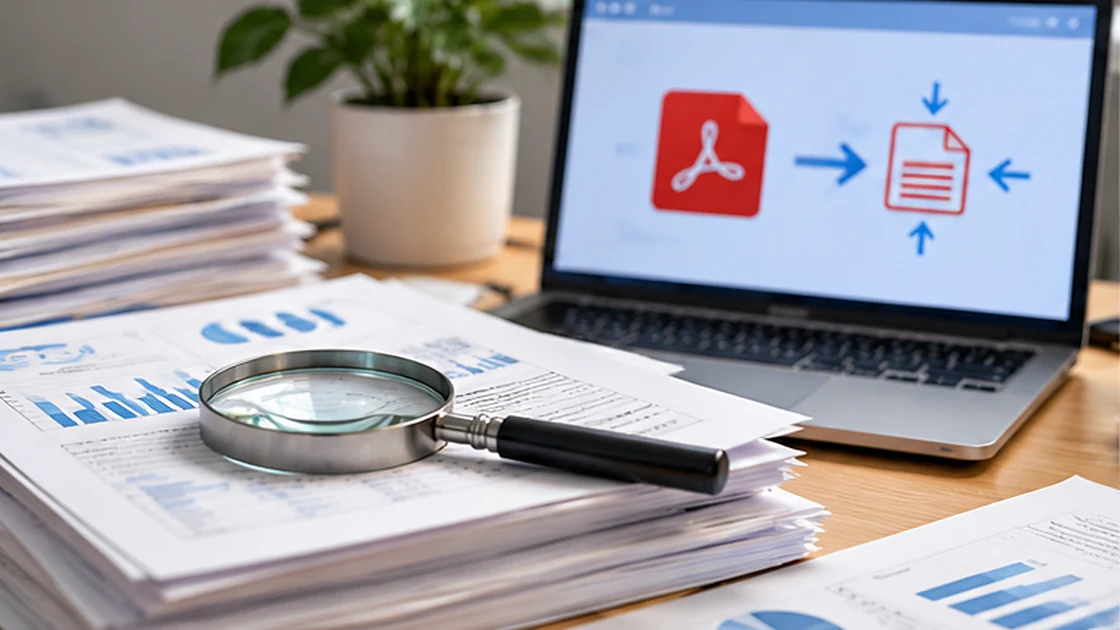
Learn why some PDFs compress better than others and how to test readability after reducing file size.
Understand what makes a PDF large
A scanned PDF often contains full-page images. A document exported from a word processor may contain selectable text and vector shapes, which behave differently under compression. Identify large photos, repeated pages or unnecessarily high scan resolutions before applying one-size-fits-all settings.
Measure readability, not only file size
A smaller file is not necessarily better. Inspect small fonts, table lines, QR codes and image detail at realistic zoom and print sizes. Keep an untouched original and compare at least two output settings where possible. File-size reduction should not erase information a recipient must read.
Preserve useful document features
Flattening a page to an image may remove selectable text and weaken accessibility. If OCR is involved, check extracted characters and language accuracy on sample pages. Signed documents, interactive forms and layered annotations may need special treatment before compression.
Practical checklist
- Keep the original file.
- Inspect small text and QR codes after compression.
- Treat signed and interactive PDFs cautiously.