

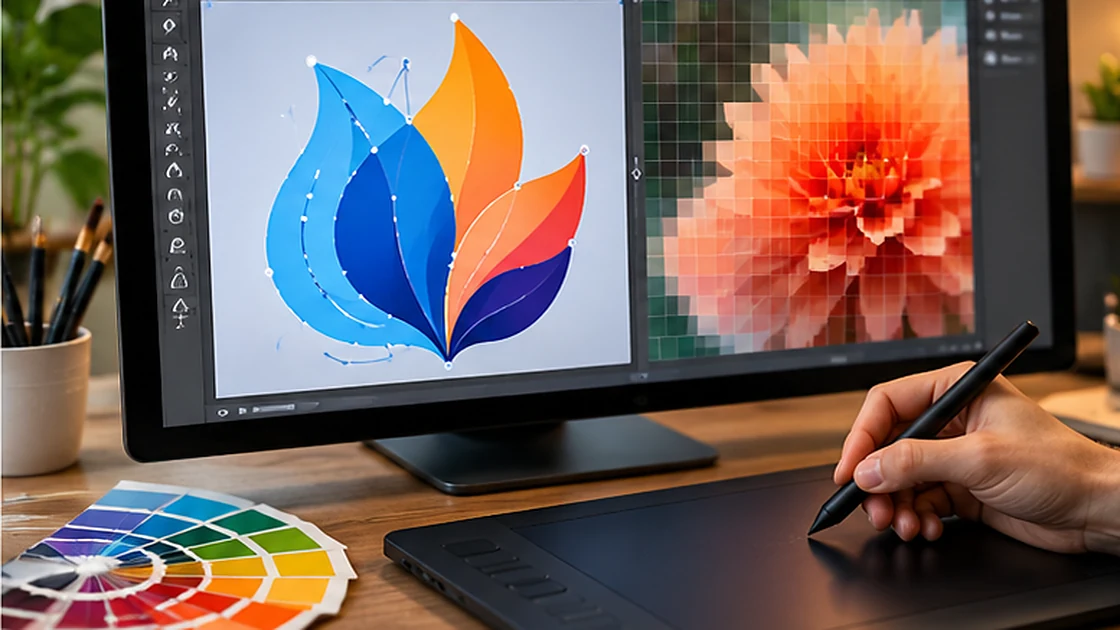
Understand why putting a JPG inside an SVG container is not the same as tracing it into editable vector paths.
An SVG extension does not prove vector content
A converter can embed a JPG inside an SVG wrapper. The output has an SVG filename but still contains raster pixels; scaling does not create genuine detail. True vector tracing approximates contours and colour regions with editable paths, which is a different and more complex operation.
Choose the right source image
Simple logos, line art and flat-colour icons are better candidates for tracing. A photograph contains gradients and textures that may generate thousands of shapes or an unattractive approximation. Decide whether you actually need editable paths for design, printing or cutting before converting.
Test the result
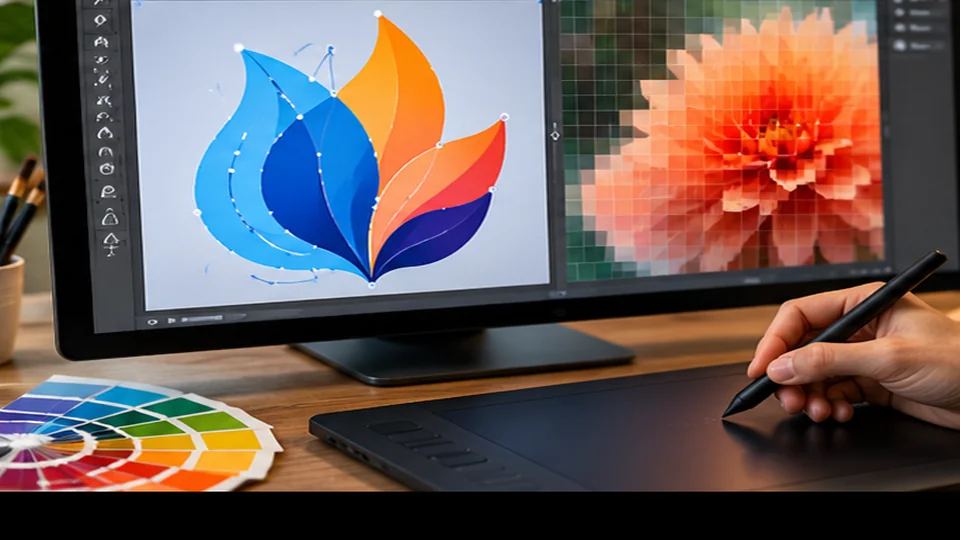
Open the SVG source and look for image elements or embedded JPEG data. In a vector editor, genuine paths should be individually selectable instead of a single bitmap layer. Zoom into edges and small details. The converter’s label is not enough to establish print-ready vectors.
Practical checklist
- Distinguish an SVG wrapper from vector tracing.
- Use tracing mainly for simple logos and icons.
- Inspect whether editable path objects exist.